Standing at at the The Great Channels trailhead I had an overwhelming sense of gratitude and relief. So many out-of-our-control variables had to go just right to make even starting this hike possible, and it looked like the stars were indeed going to align for us. For one thing, after days of bad weather reports that suggested we should scrub our trip, we were given perfect weather of mid-50' and sunshine. For another, 8 week old baby L was contentedly snoring on my chest. L came to us a few weeks ago as our most recent foster placement, and she was certainly a curve ball for the hiking trip we'd had planned for our Thanksgiving getaway.
It turns out that L is an angel, and endured the 5 hour road trip to the trail head without incident. After a minor diaper blowout that occurred when we pulled into the parking area, was she was cleaned up and happily placed in the Moby wrap carrier. Our hike to the channels, which I was sure was going to get derailed, was a go!
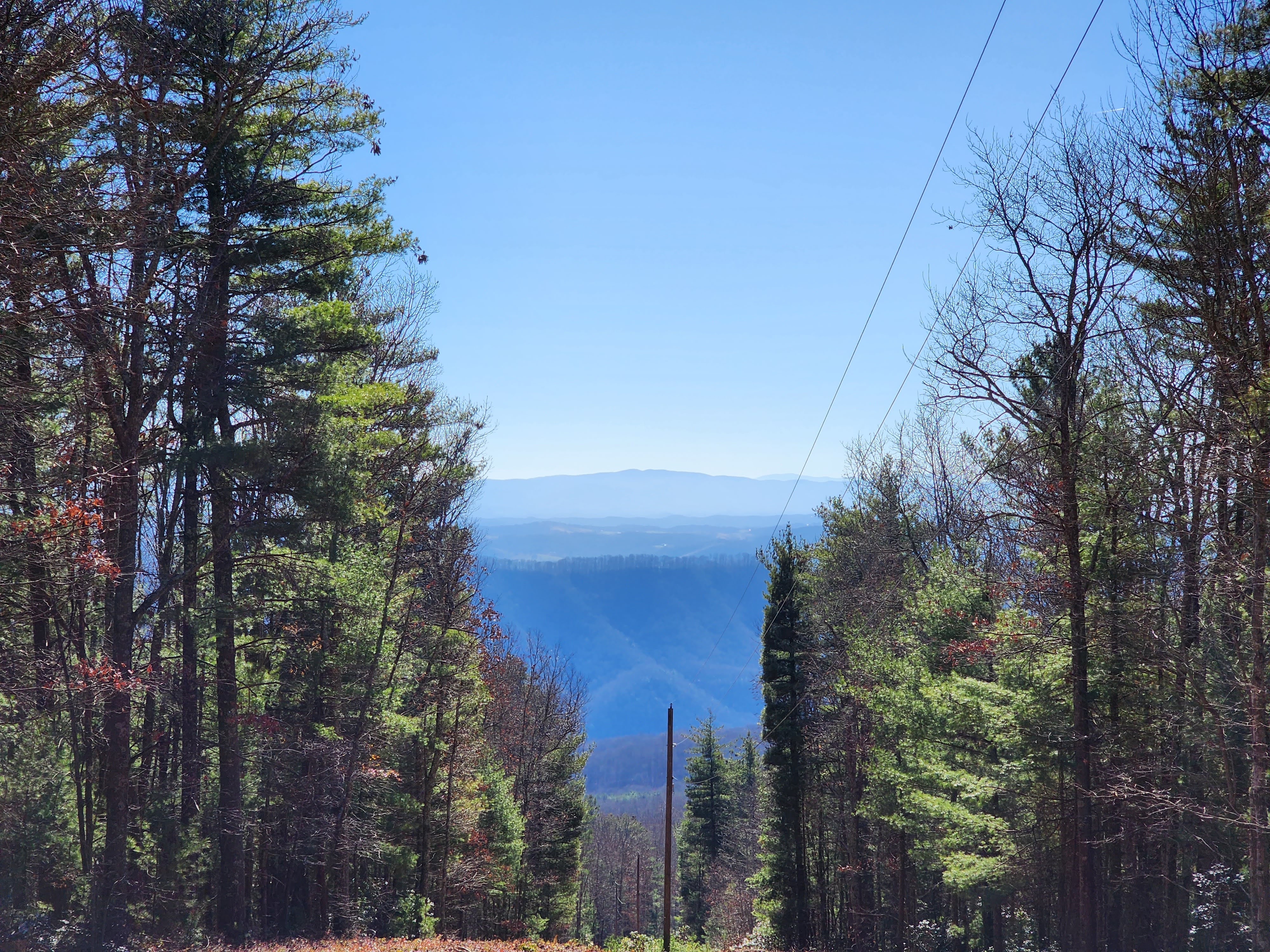
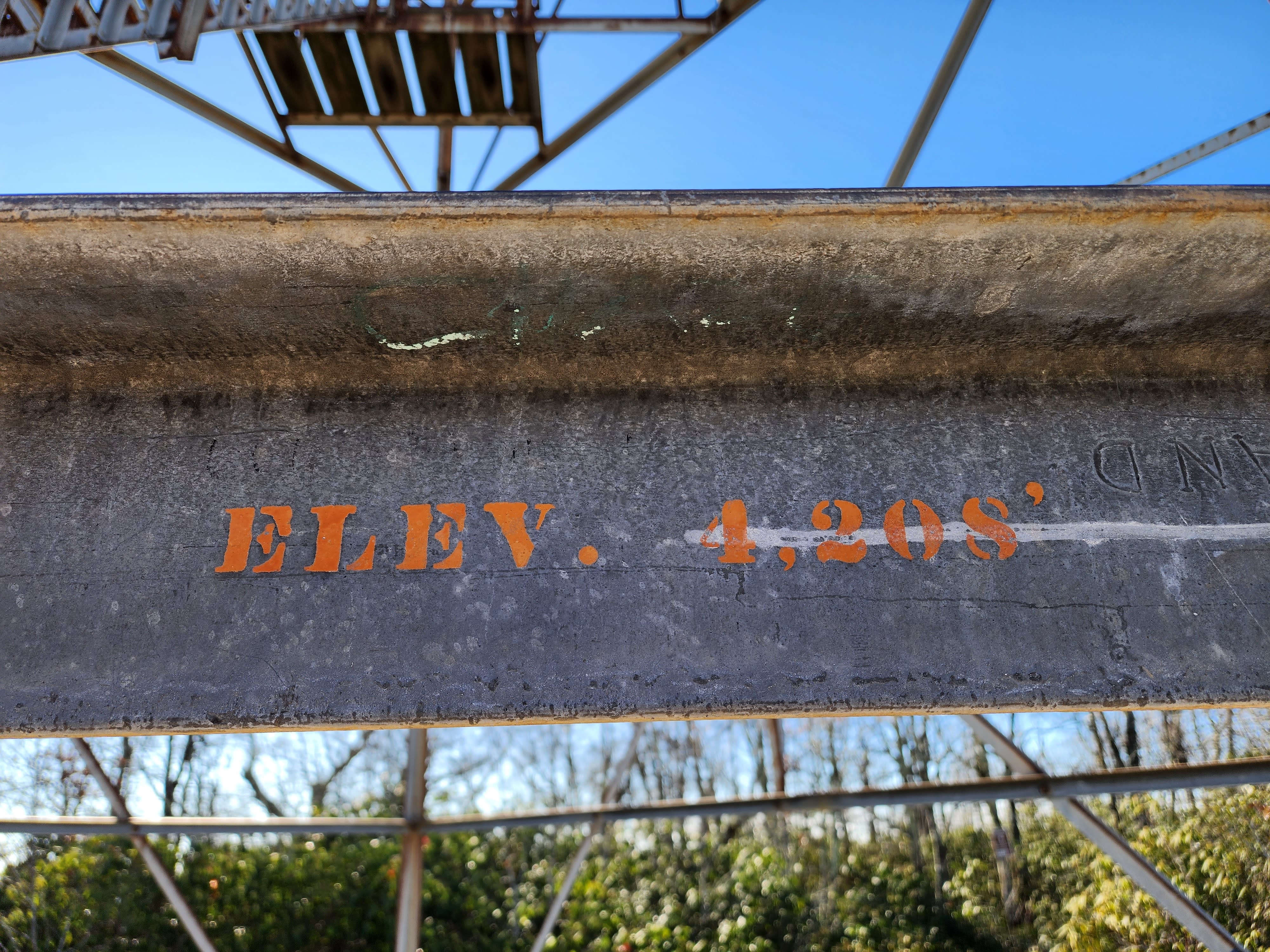
The channels hike consists of a 3 mile slog to the top of Middle Knob. Because the leaves had dropped from the trees we got glimpses of amazing views, though none were totally unobstructed. The pay off for the hike begins at the 3 mile mark, when a sweet looking 1930's fire tower comes into view. Thankfully, you can't climb the tower, though it does make a fascinating photographic subject. And finally we had access to the truly interesting part of the hike: the channels.
Following a sign into a wooded area we came across a breathtaking overlook. From there, we chatted with another hiker who explained that we were close to the channels; we needed only leave the overlook and descend down a steep but somewhat hidden trail. We followed her advice and found ourselves immersed in other-world looking rock formations. We had been promised slot canyons, and the channels delivered. Around every corner was another amazing rock formation and space to squeeze into and explore.
The hike to the trail head to the channels is well signed. Once you're in the maze-like channels, however, you're mostly on your own. We noticed some red arrows painted on the walls and initially thought they described a route you could take to see the formations. However, we only ever found the red arrows pointing towards the exit. And then it clicked: you're supposed to wander the channels as you wish, and when you want to return home, follow the red arrows. Very clever. I don't understand why the trail maintainers don't make the system official and put clearly marked (and reflective) arrows and instructions in the channels, versus depending on such a primitive and fragile system.
The All Trails reviews of the trail suggested that the channels would be colder than the rest of the hike; and the advice was on point. I donned a puffy jacket over baby L and myself we both remained quite comfortable the whole time.
While there was a bit of graffiti in the area, I was impressed at overall how pristine the channels were. I suppose that's one benefit of having this hike be in the middle of nowhere with 3 miles and 1,300 feet of elevation gain, to discourage would be vandals.
After 45 minutes of exploring the channels, we decided to call it and headed back to the car. The 3 mile hike was straightforward and before we knew it we were back in a warm car with a happy baby.
The Great Channels had absolutely been a worthy hike for the first day of our adventure and I can't recommend it highly enough. Because the rock formations are so unique, I'd easily put this hike on a list of Virginia greats, along with Old Rag, Billy Goat Trail, section A and the Devil's Marbleyard.
For dinner, we hit Greeko's Greek Cafe. Shira's falafel was ok. The salmon in my salmon souvlaki was very good. But the fries and pita were perfection and made the meal an absolute delight. The staff, like the staff at the Fairfield Inn where we were staying, were exceedingly warm and friendly. This all made for a wonderfully pleasant evening and gave us great vibes for the small town that is Abingdon, VA.
Tired from a long day of driving and hiking, we called it a night after dinner. Tomorrow would be more hiking and I drifted off to sleep hoping it would measure up to today's high quality adventure.
(I then was awoken a few hours later by baby L who was hungry. Ahh yes, the joy of little ones and their tiny tummies!)